
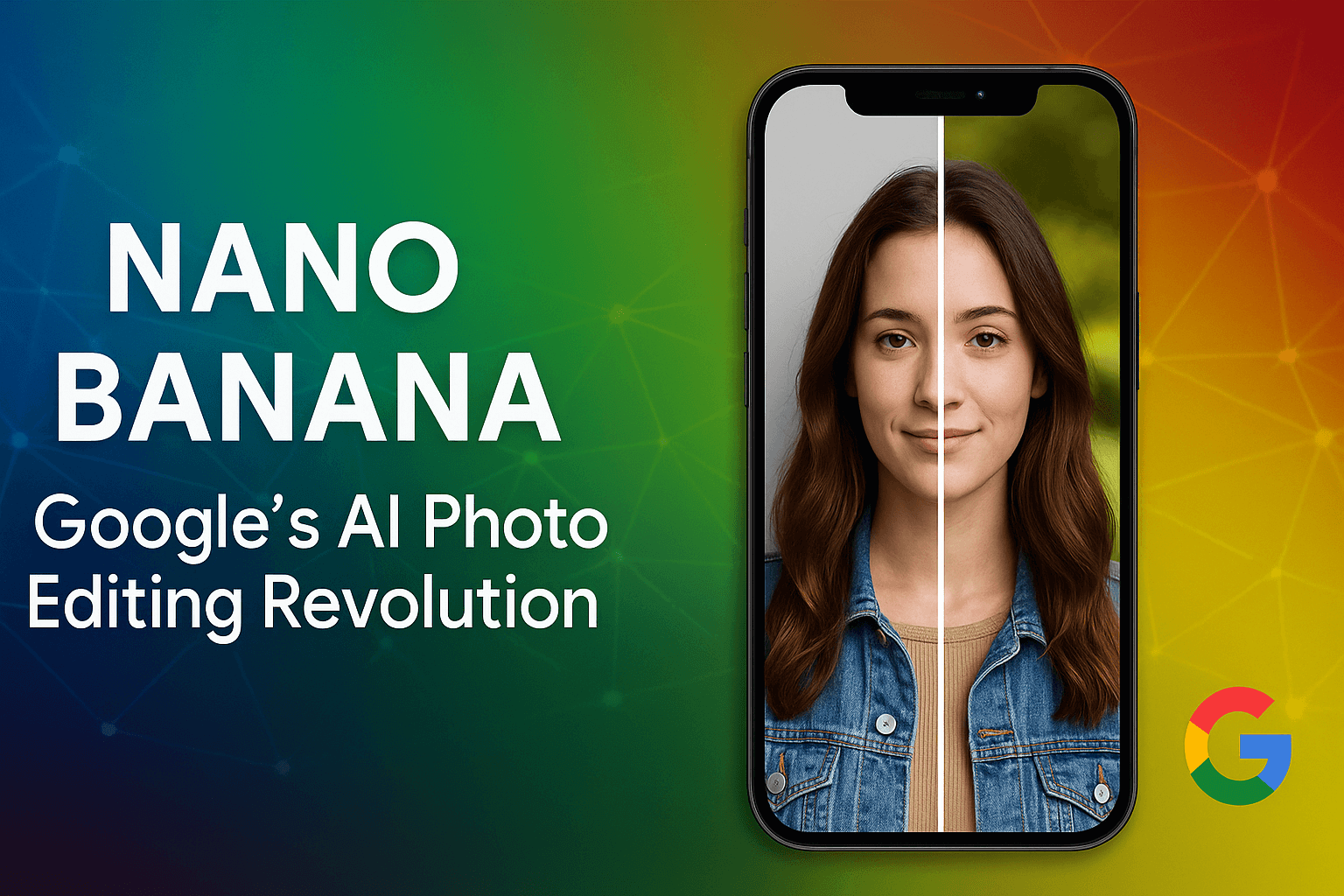
Artificial Intelligence (AI) is revolutionizing digital creativity, and one of the most talked-about innovations in 2025 is Nano Banana Google AI. Officially known as Gemini 2.5 Flash Image, this tool is integrated into Google’s Gemini app and is designed for multi-step photo editing, identity preservation, and blending.
For creators, photographers, and businesses, Nano Banana is not just another AI editor—it’s a game-changing image-editing model that ensures consistency across multiple edits while keeping editing simple with text prompts.
Table of Contents
What is Nano Banana Google AI?
Nano Banana is Google’s latest AI-powered photo editing model, aimed at solving a long-standing problem: keeping the same subject consistent across edits. Unlike older AI tools that distort faces or pets after several modifications, this Google AI preserves identity across multiple edits, even when you change backgrounds, styles, or poses.
Currently, it is live inside the Gemini app and available for both free and premium users.
Key Features of Nano Banana Google AI
1. Identity & Visual Consistency
- Maintains the look of people, pets, or objects across different edits.
- Perfect for portraits, e-commerce product images, and branding visuals.
2. Multi-Turn Editing
- Allows serial edits like changing backgrounds, adding props, or altering clothing.
- Each edit builds on the previous one without breaking image quality.
3. Blending & Design Mixing
- Merge multiple images into one seamless photo.
- Apply textures, patterns, or artistic styles using simple text prompts.
- Great for creative design projects, marketing, and social media content.
4. Advanced Editing Made Simple
With Nano Banana, users can:
- Remove blemishes or imperfections
- Blur or sharpen specific areas
- Colorize black-and-white photos
- Replace elements or objects
- Adjust lighting and tones
All of this is possible without professional Photoshop skills.
How to Use a Banana AI (Step-by-Step)
Open Gemini App → Update to the latest version (Android, iOS, or web).
Upload or select an image → Choose from gallery, Google Photos, or take a new one.
Enter your first edit prompt → Example: “Remove background and replace with beach. ”
Apply multi-turn edits → Build step by step: “Now add sunglasses,” “Change jacket color,” etc.
Use blending & mixing → Merge two photos, add patterns, or apply artistic styles.
Preview results → Check the before/after slider to see changes.
Refine with prompts → Adjust until satisfied (Nano Banana maintains subject identity).
Save or share → Export to Google Photos, download in high resolution, or share directly on social media.
Limitations & Concerns
Like any new AI tool, it also has a few limitations:
- Basic Precision: Tasks like cropping to specific dimensions are still not accurate.
- Deepfake Risks: Despite visible watermarks and SynthID invisible watermarks, there are concerns about misuse in fake media.
- Device Power: Heavy edits may require more processing, which could be slow on low-end devices.
Why Nano Banana Google AI Matters in 2025
1. A Major Leap in AI Editing
Unlike older AI tools, Nano Banana solves the “close but off” problem, delivering realistic and professional results.
2. Accessible for Everyone
Integrated directly into the Gemini app, it makes studio-quality editing possible with just a text command. Beginners, professionals, and businesses can all benefit.
3. Balancing Innovation and Ethics
While powerful, Nano Banana raises ethical concerns. Google’s watermarking system shows its efforts toward responsible AI usage.
Real-Life Applications of Nano Banana
- Content Creators: Quickly edit thumbnails, reels, and posts for YouTube, TikTok, or Instagram.
- E-Commerce Sellers: Edit product images with consistent lighting and backgrounds.
- Photographers: Enhance portraits or apply stylistic changes without distortion.
- Educators & Students: Use AI to generate visuals for projects and presentations.
| Feature | Nano Banana Google AI | Other AI Editors |
|---|---|---|
| Identity Preservation | ✅ Yes | ❌ Often inconsistent |
| Multi-Turn Editing | ✅ Seamless | ⚠️ Limited |
| Image Blending | ✅ Supported | ⚠️ Rare |
| Ease of Use | ✅ Text Prompt | ⚠️ Complex UI |
| Watermarking | ✅ Visible + Invisible | ❌ Not always available |
Conclusion
Nano Banana Google AI (Gemini 2.5 Flash Image) is a revolutionary step in AI-driven creativity. With its ability to preserve identity, support multi-turn editing, and merge designs, it is ideal for content creators, businesses, and everyday users alike.
Although it has limitations, its advantages outweigh the drawbacks, making it one of the most powerful AI image-editing tools in 2025.
In short,this is not just an editing model—it is the future of photo editing, balancing creativity with responsibility.
Frequently Asked Questions- FAQ
Is Nano Banana free to use?
Yes, Nano Banana is available in the Gemini app for both free and paid users.
How is Nano Banana Google AI different from Photoshop AI?
It specializes in multi-turn edits and identity preservation, unlike Photoshop which focuses on manual precision tools
Can Nano Banana be misused for deepfakes?
While technically possible, Google uses SynthID watermarking to reduce risks.
Does Nano Banana work offline?
No, it requires cloud-based processing within the Gemini ecosystem.
Who should use Nano Banana?
Anyone from content creators to photographers and businesses who need professional, quick, and realistic image edits